vibeThe plan, critique, implement, review loop, without you as the go-between.
vibe runs Claude Code and Codex against each other until the plan and the code both clear review and your tests pass, and stops only when it actually needs you.
vibe runs Claude Code and Codex against each other until the plan and the code both clear review and your tests pass, and stops only when it actually needs you.
Claude plans and Codex critiques, until the plan has no blocking findings. Then Claude implements, vibe runs your tests itself, and Codex reviews the diff, until that is clean too.
PLAN ──> CRITIQUE ──blocking?──> REVISE ─┐
  │         │ clear                   └──┘
  │         v
  │      IMPLEMENT
  │         v
  │      VERIFY ──fails?──> FIX ─┐        your test suite, run by vibe
  │         │ passes          └──┘
  │         v
  │      REVIEW ──blocking?──> FIX ─┐
  │         │ clear              └──┘
└─────────v DONEnpm install -g @adam-hanna/vibe-code
vibe doctorYou need claude and codex installed and logged in. vibe installs neither: it runs them as child processes, so they use the subscriptions you already have. Node 20+. Getting started has the rest.
The same loop with a window around it. You describe what you want to the pilot, a chat that can read your repository. Once the brief is clear it proposes a run for you to start.
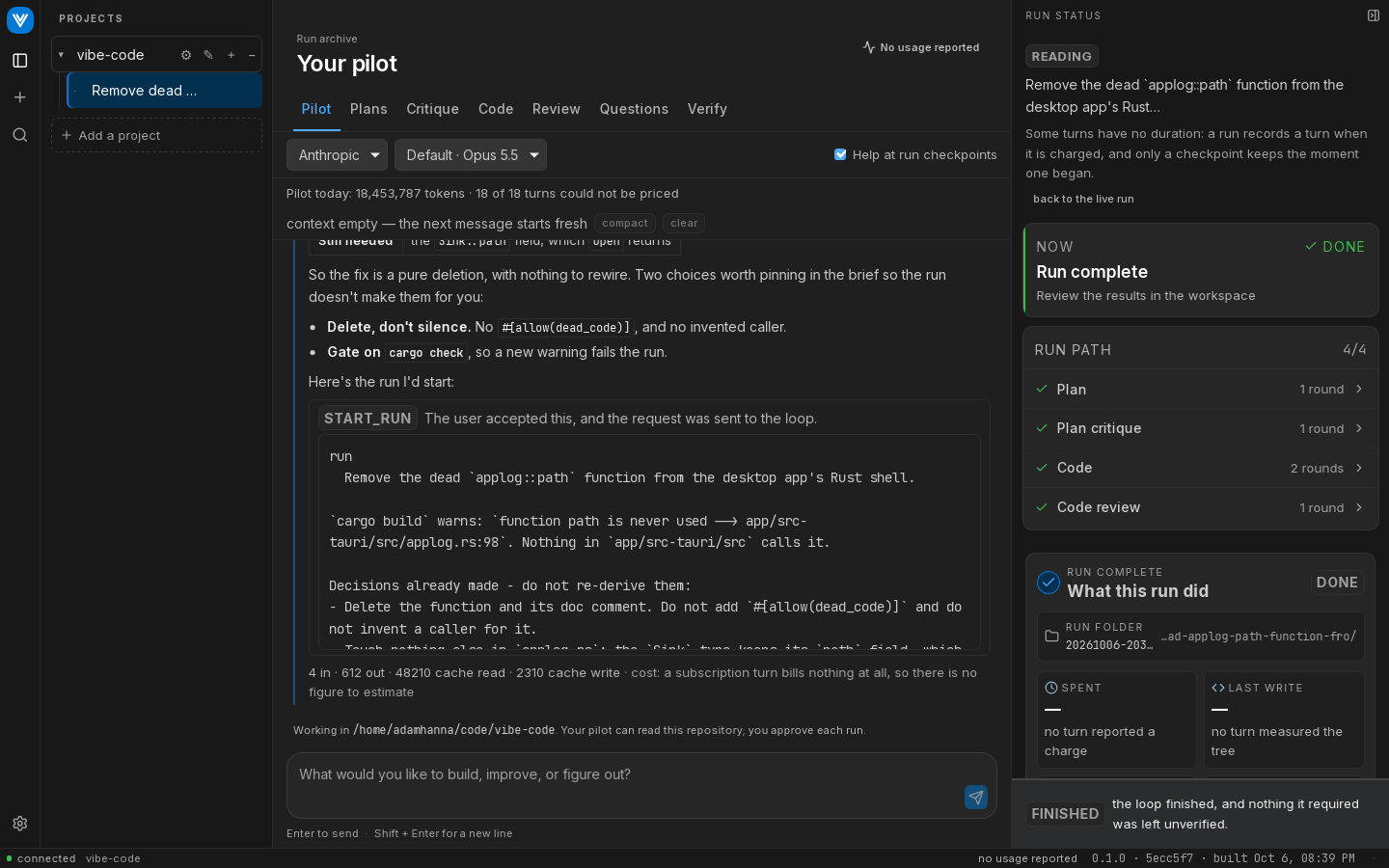
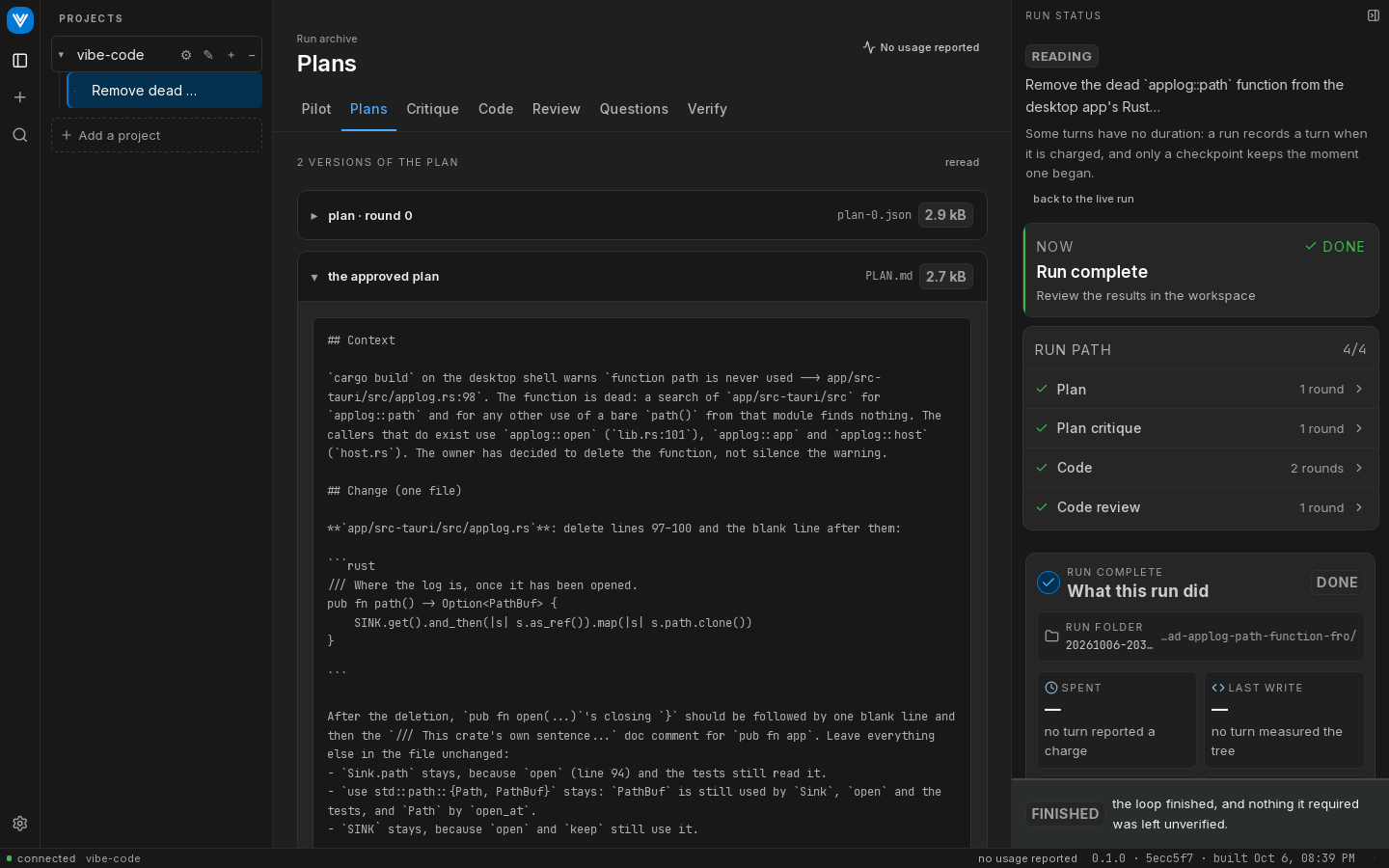
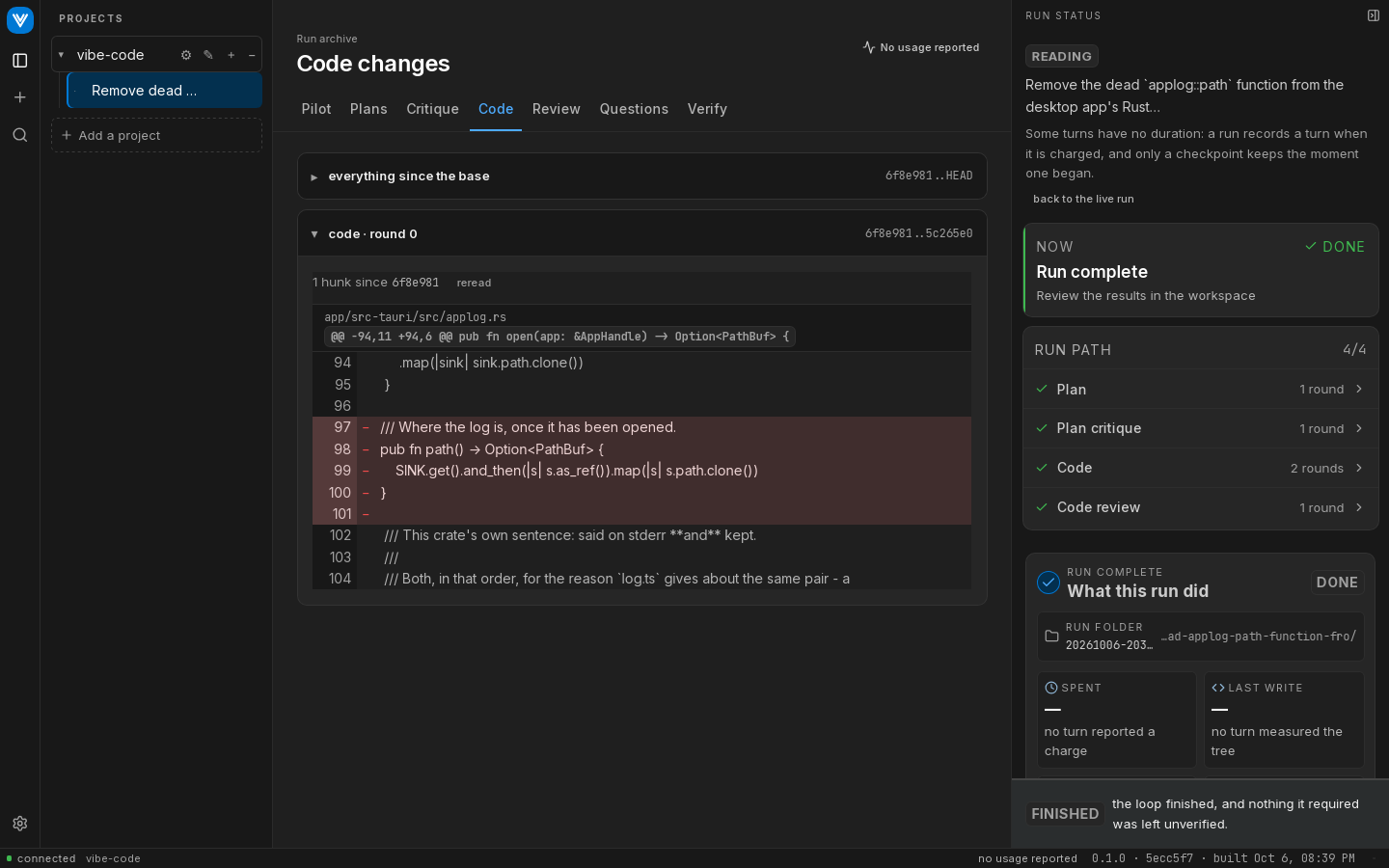
See The desktop app.